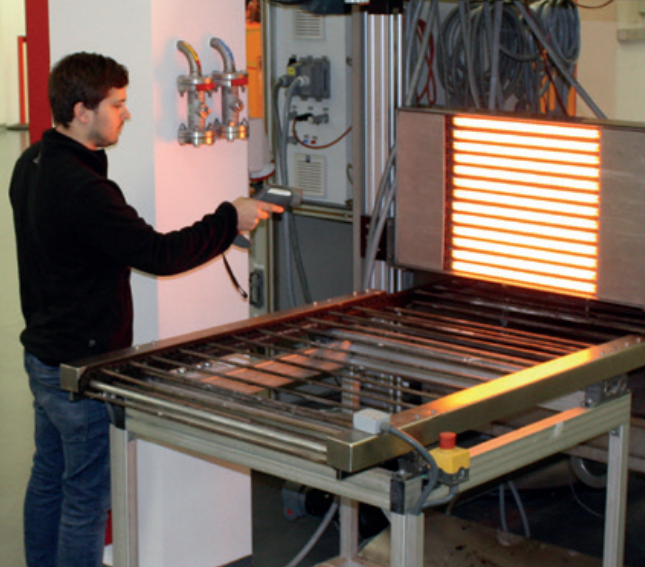
Stop Wasting Heat on Your Chamber Walls
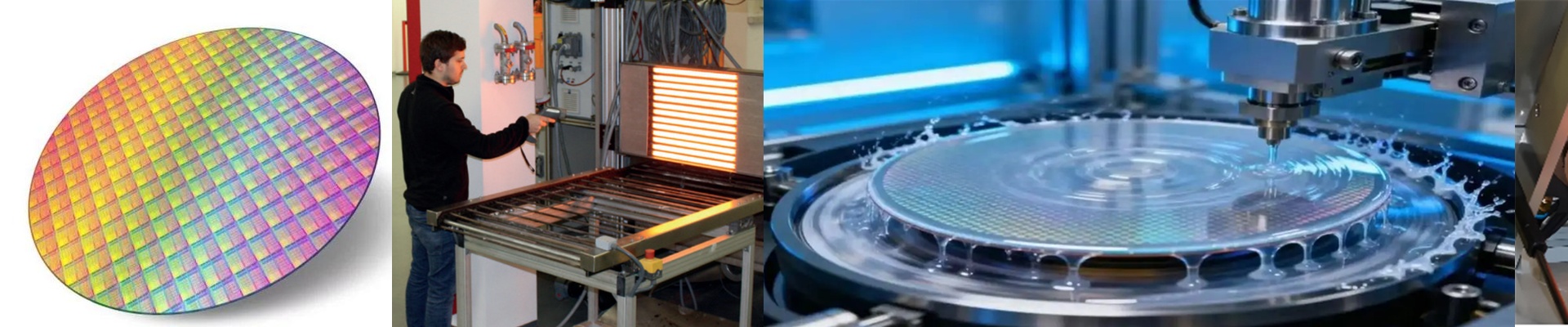
When you’re heating wafers, you want that energy hitting the substrate. Period. You don’t want it bouncing around and soaking into your chamber walls. The problem is that standard infrared lamps throw heat in every single direction. In a tight semiconductor tool, those walls basically become giant heat sinks. That’s a recipe for trouble—you risk frying sensitive electronics or, worse, giving a technician a nasty burn during maintenance.
Getting the Heat Where it Belongs
We handle this with directional infrared tech. By using reflectors or specific coatings on the quartz envelope, we basically tell the IR energy, “Go this way.” It shifts the whole thermal load. Instead of the machine frame absorbing wasted energy, the heat actually stays concentrated on the target. Now, you might think, Why not just push the lamp closer to the wafer to get more punch? Don’t do that. If you get too close, you’ll end up with hotspots and uneven heating. Too far, and you’re just losing efficiency. We figure out the exact focal length of the reflector based on your wafer diameter. That way, the heat is spread evenly across the surface, and the surrounding hardware stays cool to the touch.
The Trade-offs (Because Nothing is Perfect)
Directional heating isn’t a magic wand. When you force the IR beam in one direction, the lamp’s own filament takes a bit of a hit. It runs hotter than a standard open-air tube. This means you can’t slack on your cooling. Your fans or water-jackets need to be up to the task of handling that concentrated heat at the source. If your airflow is choked, your lamps are going to burn out way faster than they should. My best advice? Grab a thermal camera during your first run. If those inner walls are still glowing, you probably need to tweak the reflector angle or nudge the safety distance. Once the geometry is dialed in, you’ll stop paying for power that just heats up your machine frame.